
To apply redactions to documents, open up the document you need to redact in the viewer, then hit the redaction button.

Once turned on, drag your mouse over the content you want to redact to cover it with a box. Press the save button in the top right to apply your redactions once they're complete.
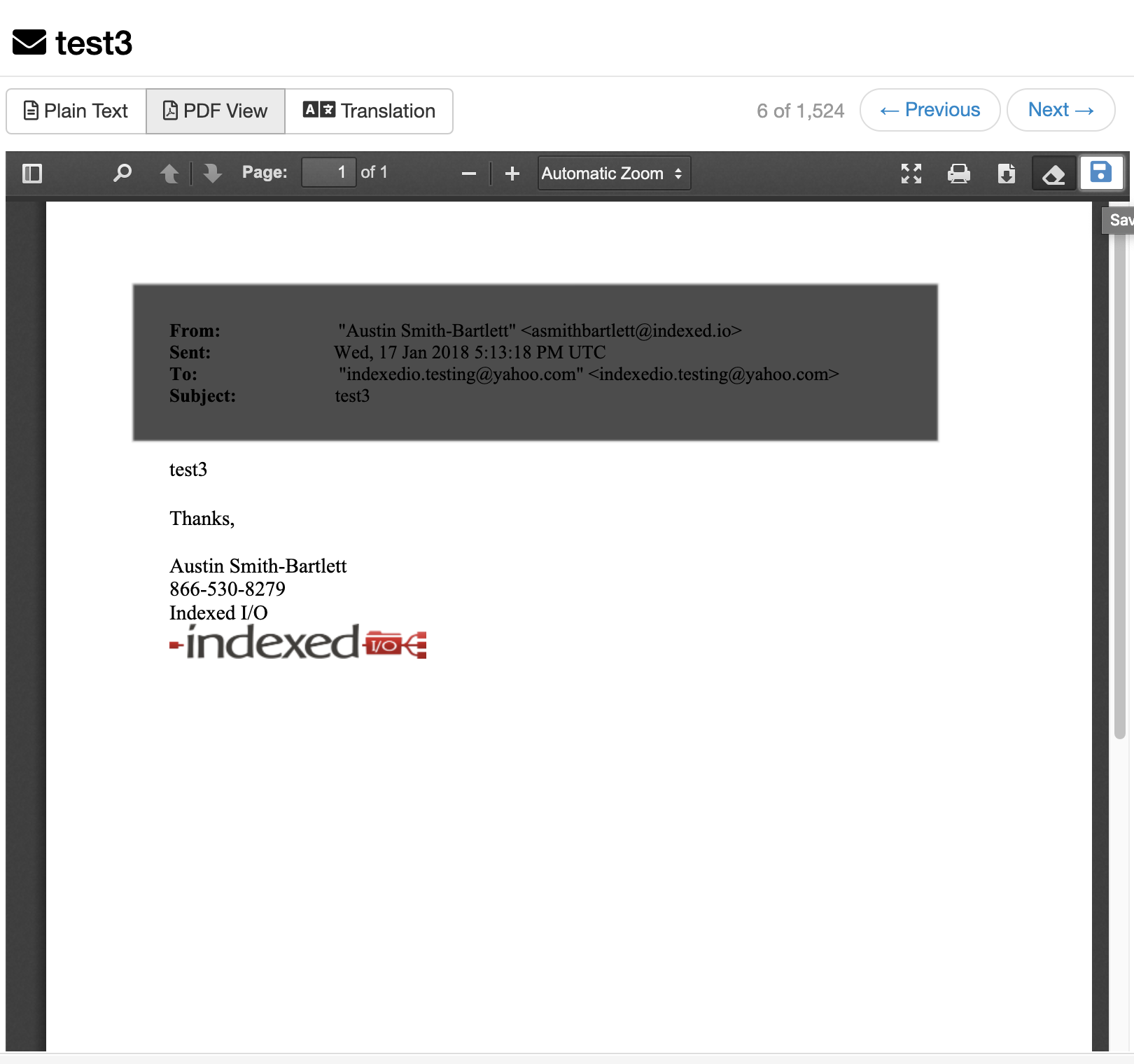
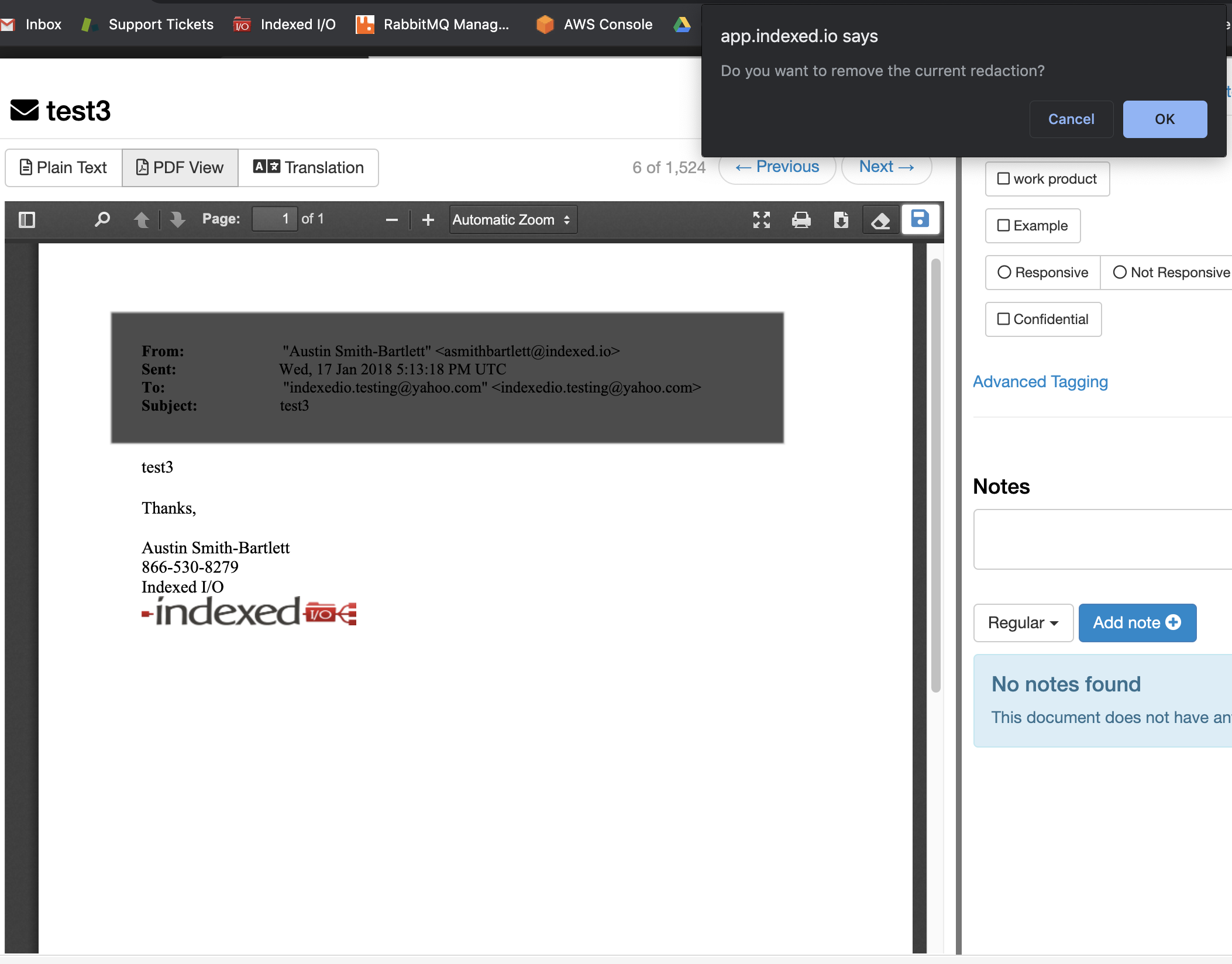
If you need to remove a redaction, turn off the redaction tool, then click on the redaction you want to remove.
Once a redaction has been applied, the content will still be viewable and searchable in the system, but any downloaded, printed, or exported versions will include your redactions and the new redacted text.

Comments
0 comments
Please sign in to leave a comment.